Minecraft Avatar Maker
Build your own Minecraft avatar by hand within a limited grid. With a full set of tools and countless colors, every skin detail is under your control, turning your ideas into an avatar that perfectly reflects your style.
How to Use
Enter the Minecraft Avatar Editor
Click start on the homepage to enter the Minecraft Avatar editor, select a color from the palette, and freely draw your favorite character on the canvas. Alternatively, select an avatar you are interested in on the pre-made Minecraft Avatar page, such as Brave Steve, and click on him to enter the Brave Steve editor to create your preferred version of Steve.
Choose a color and click on the grid to create.
When creating, you can first click on Grid Line Color to choose your preferred color for the grid lines, clearly separating each pixel block, or hide the grid lines for a more casual approach and better color blending. The fill tool in the toolbox can help you apply color quickly and conveniently with one click. After coloring, you can refine the details by selecting a color and clicking on a square to draw a stroke, and if any mistakes occur, you can use the Eraser to erase.
Convenient Undo
If you accidentally make a stroke you regret during the creative process, you can click Undo to directly retract that stroke. You can also click Redo to restore the stroke you undid. It's very convenient and quick, allowing your creative process to flow freely and infinitely with your thoughts. Additionally, if you want to start over during the creative process, you can click the Clean button to clear everything with one click, restoring the canvas to a blank state for a fresh start.
Download, save, and share
After creating your avatar, click to download and save it in 256*256 PNG format or 512*512 PNG format for use on your social media platforms. If you are already logged in, you can click save and continue editing at any time. Choosing public will allow you to share your avatar with the community.
Intuitive MC Avatar Editor
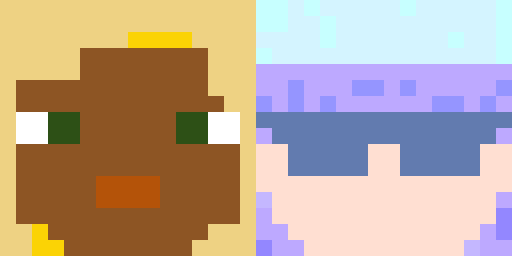
Easily customize every detail of your Minecraft avatar with our user-friendly editor. Place blocks, choose colors, and design your perfect avatar effortlessly.
Unlimited colors and styles
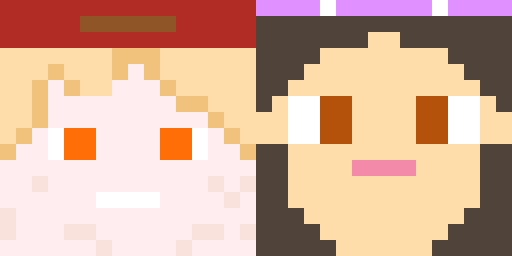
Explore endless color palettes and styles to make your avatar truly unique. From subtle tones to vibrant hues, your creativity knows no bounds.
Powerful and easy-to-use tools
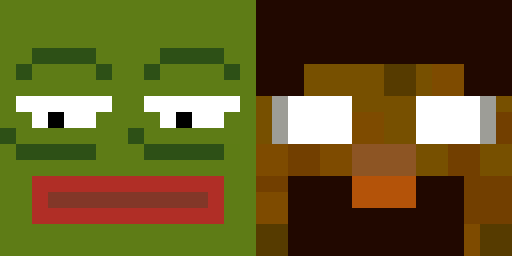
Our editor offers comprehensive and intuitive tools. Even within a limited grid, your creativity can flow endlessly to create avatars that perfectly express your style.
Fast export and community sharing
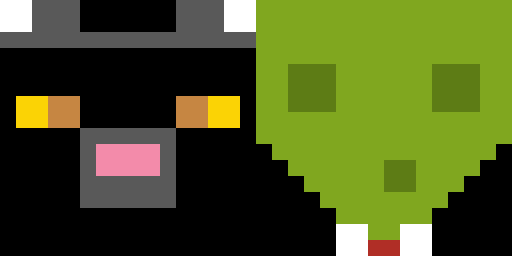
Export your avatar instantly to use it anywhere, or upload it to share with others on the homepage. Showcase your creations and get inspired by the community.
Editable pre-made avatars
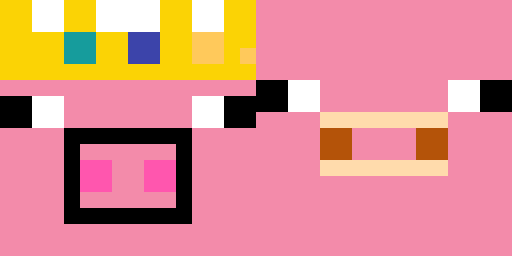
Choose from a wide range of pre-made avatars. Open your favorite, continue editing it to make it unique, export it, and interact with others through ratings and comments.
Use on multiple platforms
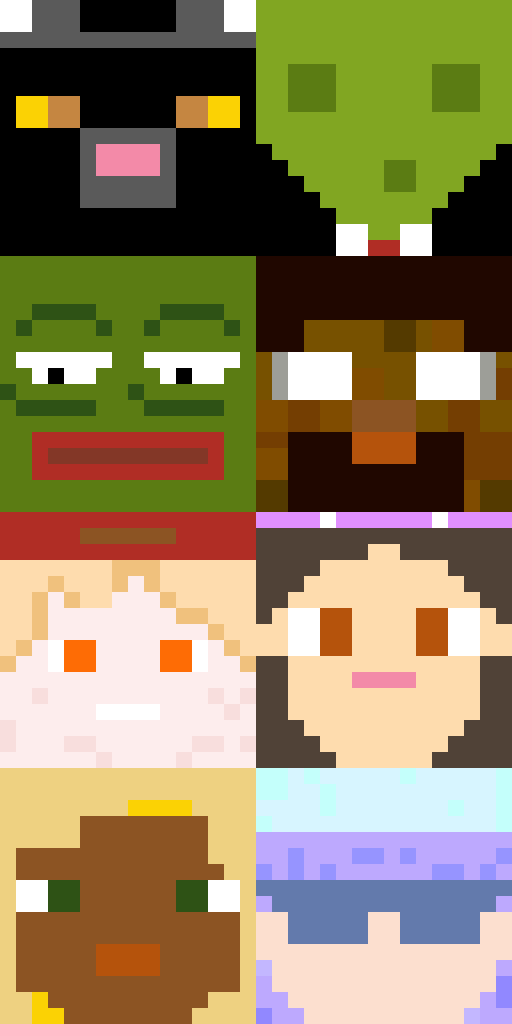
Export your avatar to Minecraft, Discord, YouTube, Twitch, or any online profile. Keep it high quality, clear, and personalized: your Minecraft identity is ready to go anywhere.